

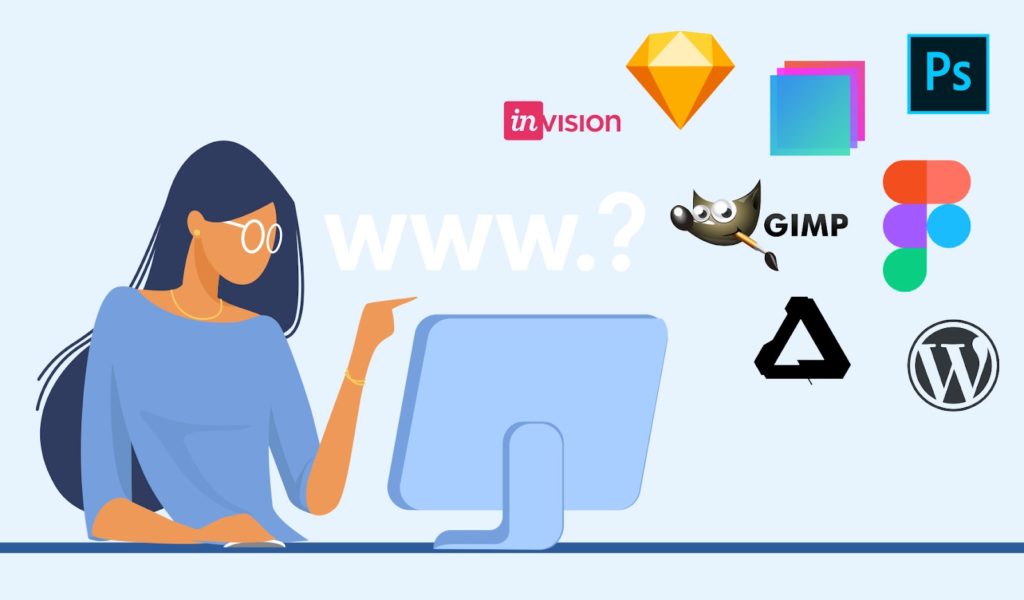
In the current state of the internet, it is not overly hard to create one’s website, especially as there are lots of software available to help you. However, it is best to be careful with what software you will use. The wrong software could mean the design will come out looking unprofessional and amateurish, or your site will end up being cumbersome and hard to update. Web design software reviews can aid aspiring web designers in finding the right programs. So for the beginning web designer, here are a few web design software reviews:
First is a very strong candidate, Serif Webplus X6. Webplus is a good starting point for beginner web designers and veterans alike. It has useful extras like Twitter and Facebook live feeds, a big plus in the Age of Social Media. Google functions such as Maps, YouTube, and AdSense are all supported. It supports the creation of both mobile and PC versions of sites as having a mobile site is increasingly important to cater to a website’s whole audience. Its drawing functions of it are tricky but not restrictive, allowing for decent graphical design.
The basics of WebPlus X6 are very easy to learn, as it is essentially a very graphic editor, heavy on drag and drop capabilities. It is reasonable that someone with little to no HTML knowledge can create a competent website using the software. In addition, specific step-by-step walkthroughs of adding certain features, such as social media interactivity are included. However, it is worth noting that Webplus X6 is Windows PC only, and is not natively available for either Mac or any Linux distribution. In addition, templates are rather limited.
Despite this, those provided are professionally designed for both PC and mobile use. It is also worth noting these templates are not required and the user is free to create their design. Pricing can vary but X6 can be purchased for about 60-70 dollars, with older versions being significantly cheaper.
The next of these web design software reviews is likely the most well-known web design program, WordPress. WordPress has become the go-to software for most beginning web designers. WordPress loosely resembles a Microsoft Office setup, complete with hundreds of specialized templates and drag-and-drop capabilities. Using WordPress even an amateur web designer can put together a competent website in just a few hours.
Many widgets are available to add to your WordPress website, in addition to multiple formatting options. In addition, both visual and HTML editor modes are available and can be switched to in the middle of editing.
WordPress will host your website for you, making it both a website designer and a web host. This is only an option for those not looking for their URL though. Most people would be better off hosting a WordPress application themselves, as that not only allows them to use their domain name but also access to a lot more tools and templates.
However, if you choose to use it, as a free hosted option or a self-hosted site, is an excellent choice for a beginning designer and does not require a download. This means it can run on virtually any operating system that supports the website. There are some great tracking tools are available with WordPress that allows the user to see and analyze web traffic coming to the site and the ease of updating such a site.
The last of these web design software reviews is WebEasy Professional. The software, like WebPlus, has a nice, simple graphic interface as well as an HTML editor. It also boasts over 600 templates. It also has a very wide feature set, with Flickr, YouTube, and multiple Google tools making up only a portion of the supported features.
In addition, there are thousands of completely free-to-use images included with the software, in addition to access to an online gallery, something that is a huge money saver. Without sacrificing ease of use WebEasy brings many professional tools to the table as well. The pricing is at about 50 dollars but is again only available natively on Windows PCs.
These are just a few web design software reviews to point out some of the favorite software in use today. It is important to study the pros and cons of each software when determining which program will work best for you.

Anthony Smith is a visionary web developer and writer at JTK Web. With a passion for integrating AI and IoT into web design, Anthony crafts articles that explore the intersection of technology and user experience. His insights into future trends make him a valuable voice in the tech community.